
Getting started with Tofa
Why Tofa saves you time and wins you sales, then the setup step by step: 10 minutes, from your phone.
Why Tofa?
No more customers walking away
When the queue is long, some customers turn back. With Tofa they order on their phone while you work: the queue moves, and you keep those sales.
Customers who choose quickly and well
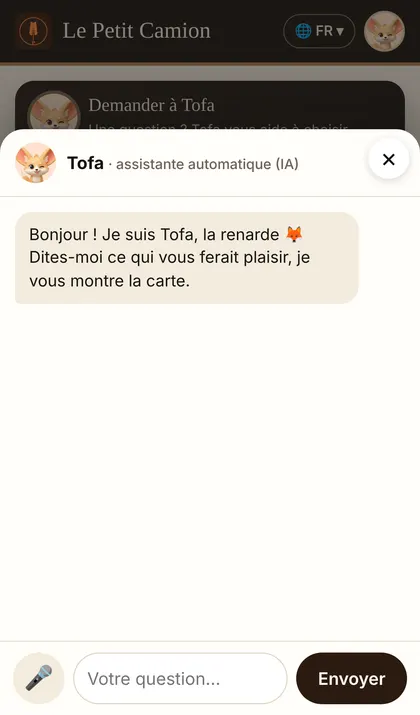
An order takes time mostly because the customer hesitates and has questions. Tofa's assistant answers for you, in their language: ingredients, allergens, sizes, advice. When you're swamped you can't explain everything, and the customer ends up taking “anything”. With Tofa they choose knowing your products, and they enjoy ordering.
One more item in every basket
At rush hour nobody has time to suggest a drink or a dessert. Tofa does it with every order, at the right moment, and never forgets.
At the till: one check, one payment, that's it
The customer has already chosen everything on their phone. At the counter you check the order at a glance and take payment, with no back-and-forth and no misunderstandings.
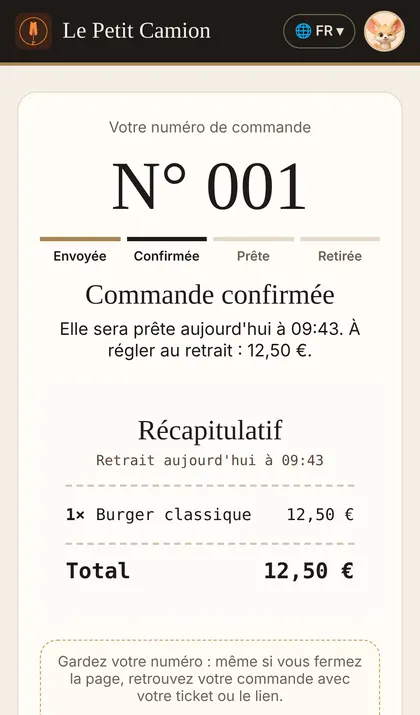
Customers are told when it's ready
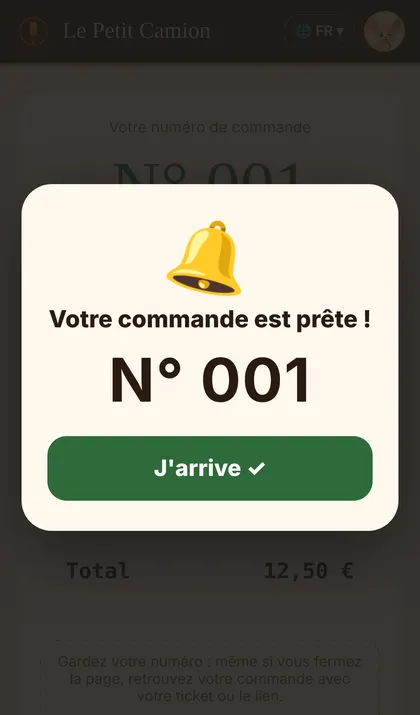
Their phone rings and vibrates until they answer “On my way”. No more standing in the rain, the cold or the blazing sun, or coming back to ask “Is it nearly ready?”. They wait calmly in the shade, in the car or on a terrace.
Example: with 40 orders a day, if Tofa gets just 1 customer in 5 to add a €3 drink, that's 8 extra sales, or €24 a day.
Over 25 opening days: ≈ €600 extra turnover per month, with no effort on your part.
Illustrative example: results depend on your business and your products.
And also
Your menu and the assistant speak each customer's language: tourists, students, neighbours.
No kiosk, no tablet needed: everything runs on your phone and your customers' phones.
Snap your board: Tofa creates the products, prices and allergens. You check, and it's online.
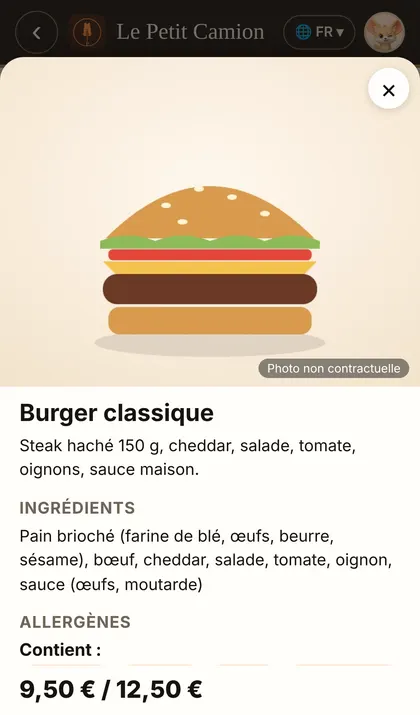
The 14 mandatory allergens are shown for every product, in the customer's language.
Something sold out? One tap and it disappears from the menu. A new dish? Added in a minute.
An e-mail with your orders, your weekly takings and your best sellers.
Your data and your customers' data stay in France, in line with the GDPR.
Tofa takes nothing from your sales.
Set up Tofa in 6 steps
ℹ️ The screenshots show the interface in French; it is also available in English.
Create your space
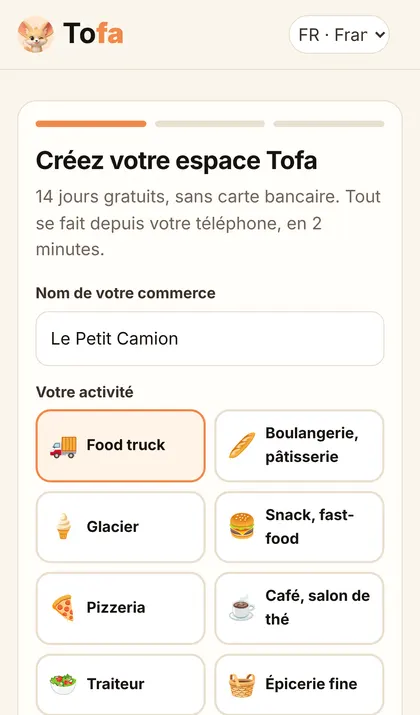
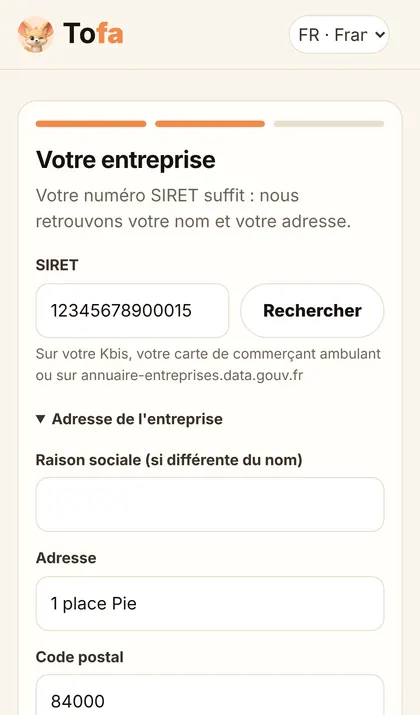
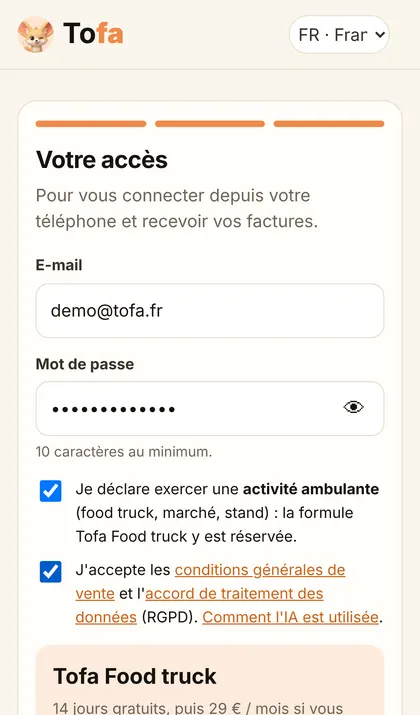
On tofa.pro, tap “Try for free”. Enter your shop's name and trade, then your SIRET number (French business number: Tofa finds your address), and finally your e-mail and a password. No credit card: you have 14 days to try.
Photograph your menu
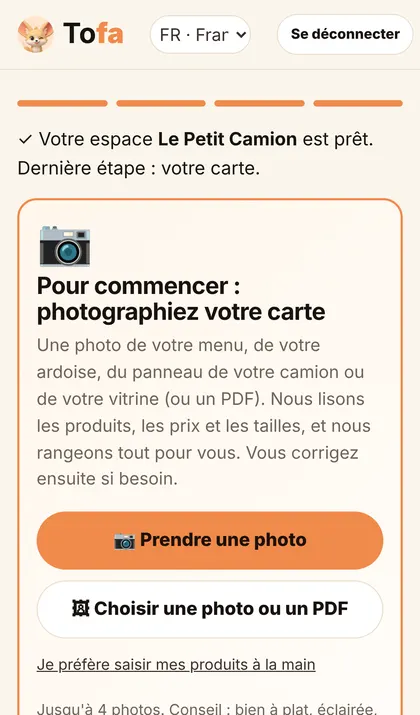
Take a photo of your menu, your board or the panel on your truck (up to 4 photos, or a PDF). Tofa reads the products, prices and sizes and sorts everything for you. Tip: a flat, well-lit photo with no glare.
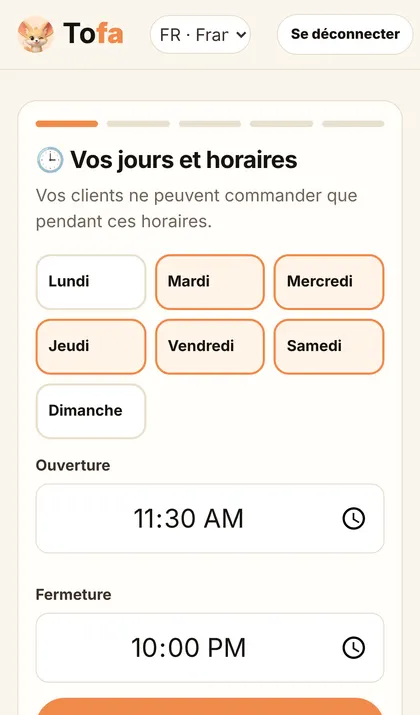
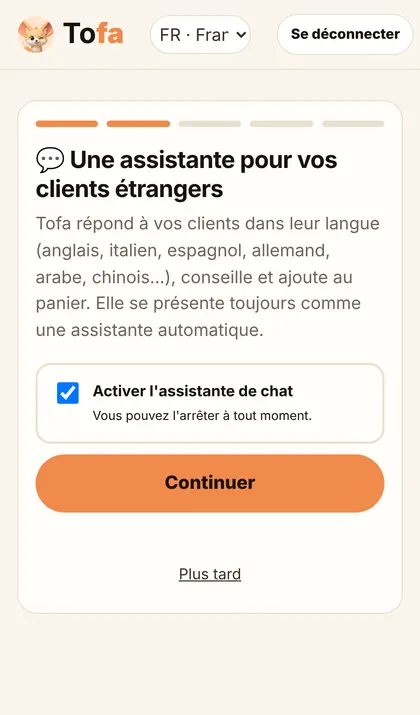
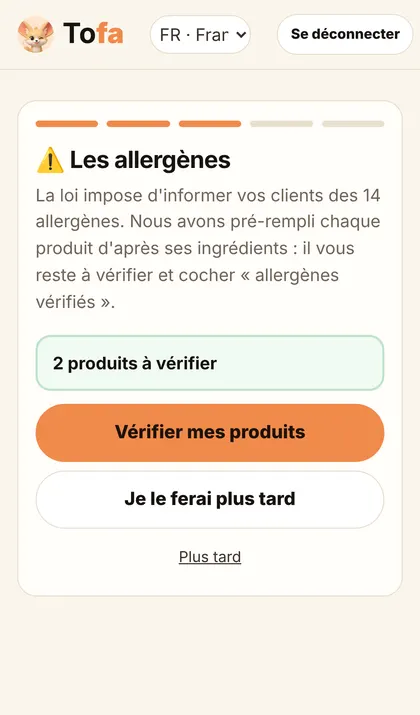
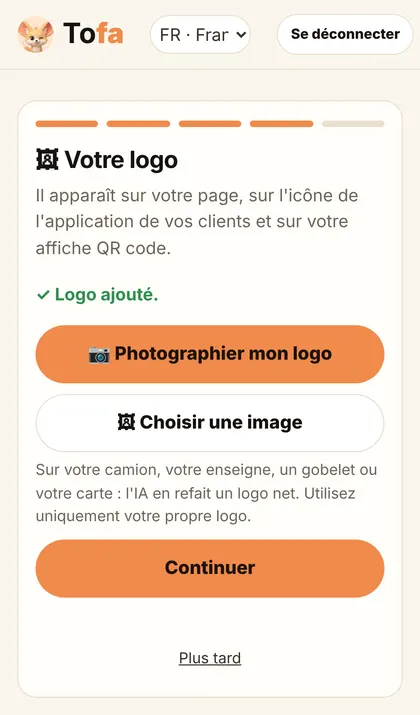
Set up your shop in 5 screens
Tofa guides you: your days and hours, the assistant that answers your customers, the allergen check, your logo (just photograph it), then your QR code. Each screen takes a few seconds, and you can change everything later.
Put up your QR code
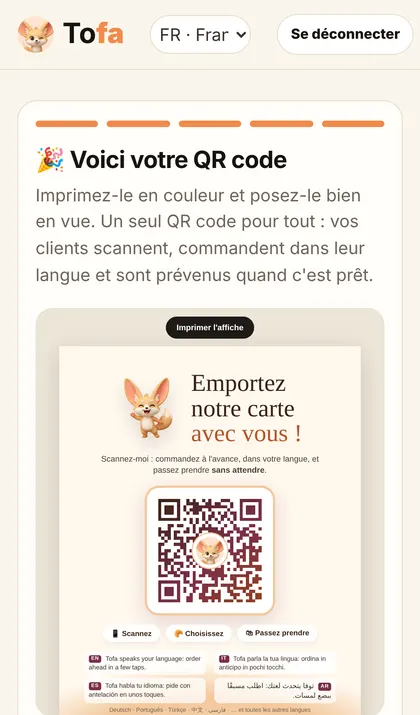
Print the poster (it's also sent to you by e-mail as a PDF) and put it where everyone can see it: on the counter, the window or the truck. One QR code for everything.
Check your menu
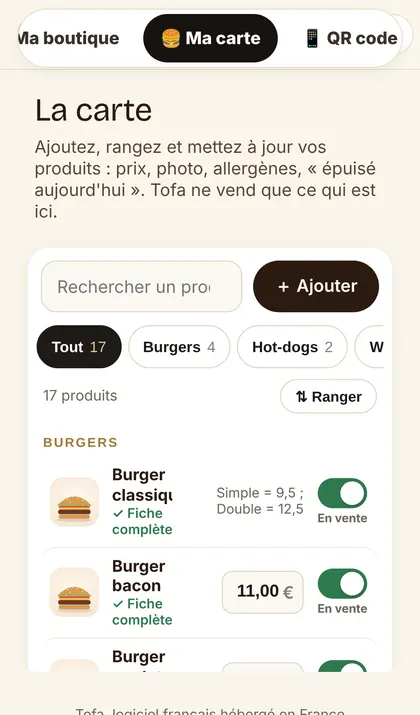
In the 🍔 My menu tab, tap a product to fix a price, add a photo or sizes. The “On sale” switch removes a sold-out product in one tap.
Receive your orders
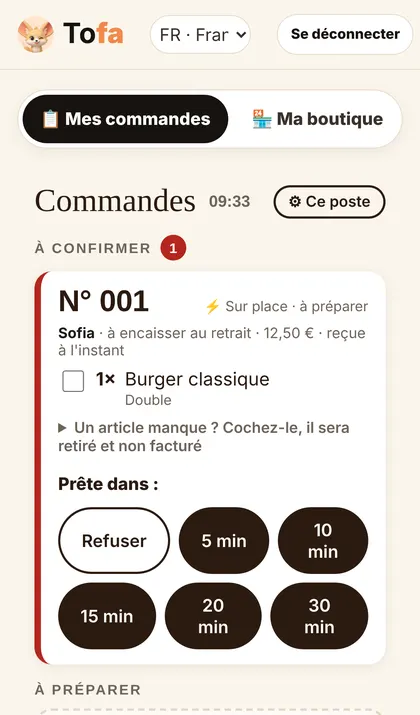
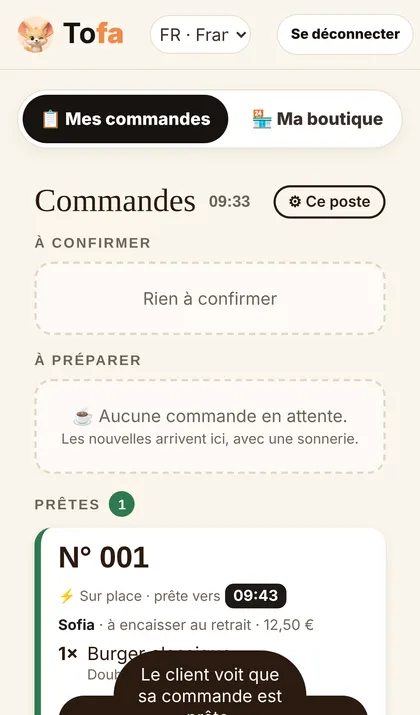
A new order rings in the 📋 My orders tab. Tap the delay (“Ready in 5, 10, 15 min…”): the customer sees the time right away. When it's ready, tap Ready ✓. The customer's phone rings, they come for their order and you take payment.
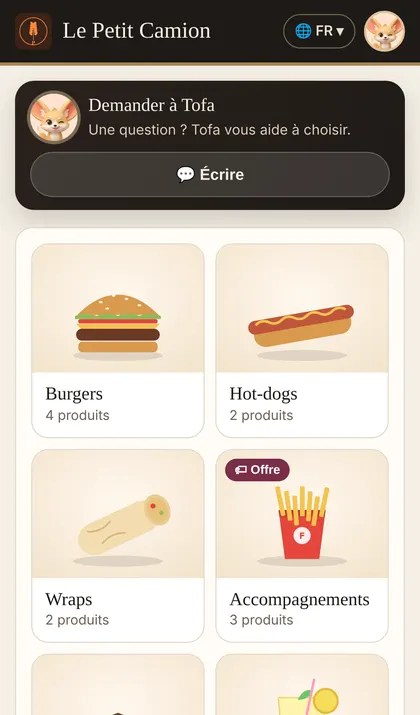
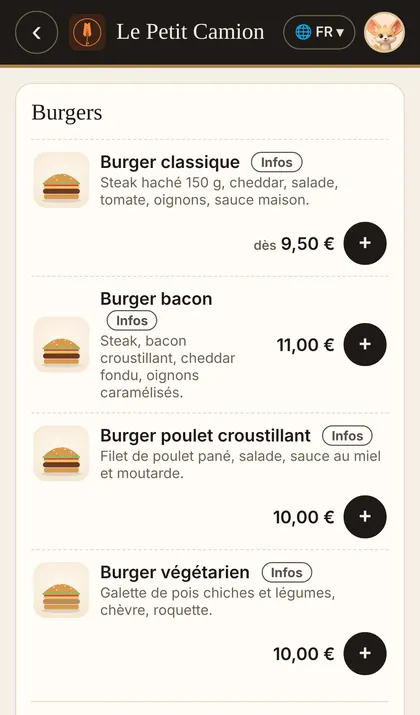
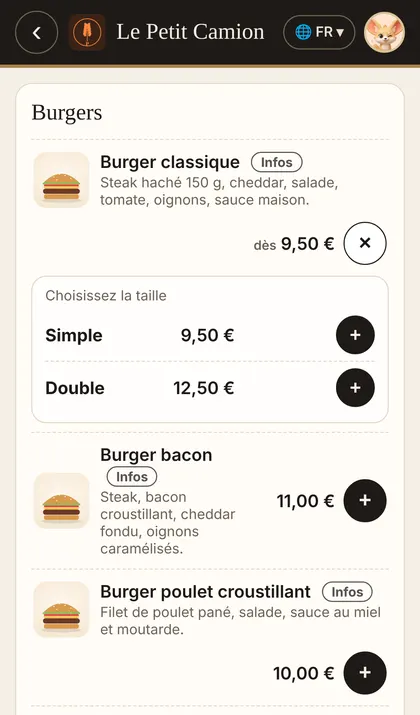
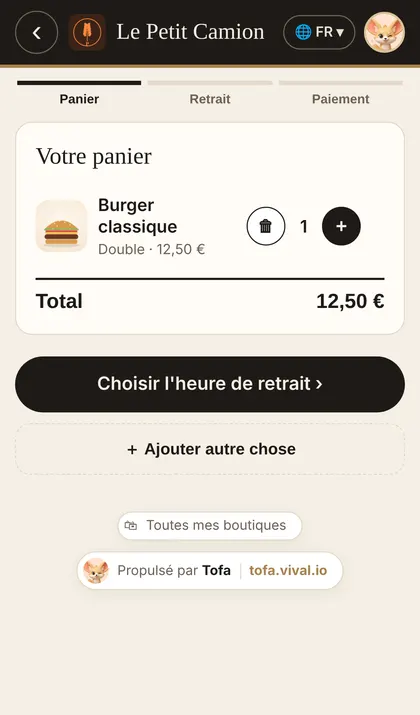
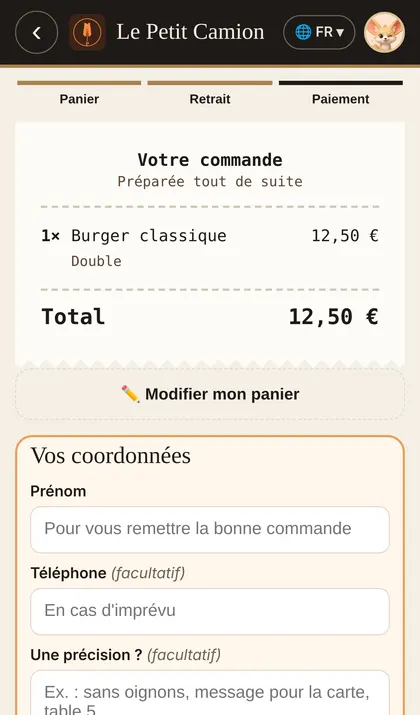
What your customer sees
Swipe to see the whole journey. Nothing to install: they scan, they order, they get notified.
Frequently asked questions
Do I need to buy a device?
No. Tofa runs on your phone. A tablet is possible but not necessary.
Do my customers need to install an app?
No. They scan the QR code and the menu opens in their browser.
How do my customers pay?
As usual, at your till or with your card terminal, when they pick up.
How long does it take to get started?
About ten minutes: the menu is created from a photo, and the rest is guided.
And after the 14 days?
You decide whether to continue. No commitment: stop whenever you like.
Ready to try?
14 days free, no credit card, no commitment.
Create my spaceA question? Write to us: support@tofa.pro